Eliminate your tickets & let customers fix orders themselves

Let customers update shipping addresses, add products, adjust quantities, and request changes—all from the order page. Built exclusively for Shopify merchants.
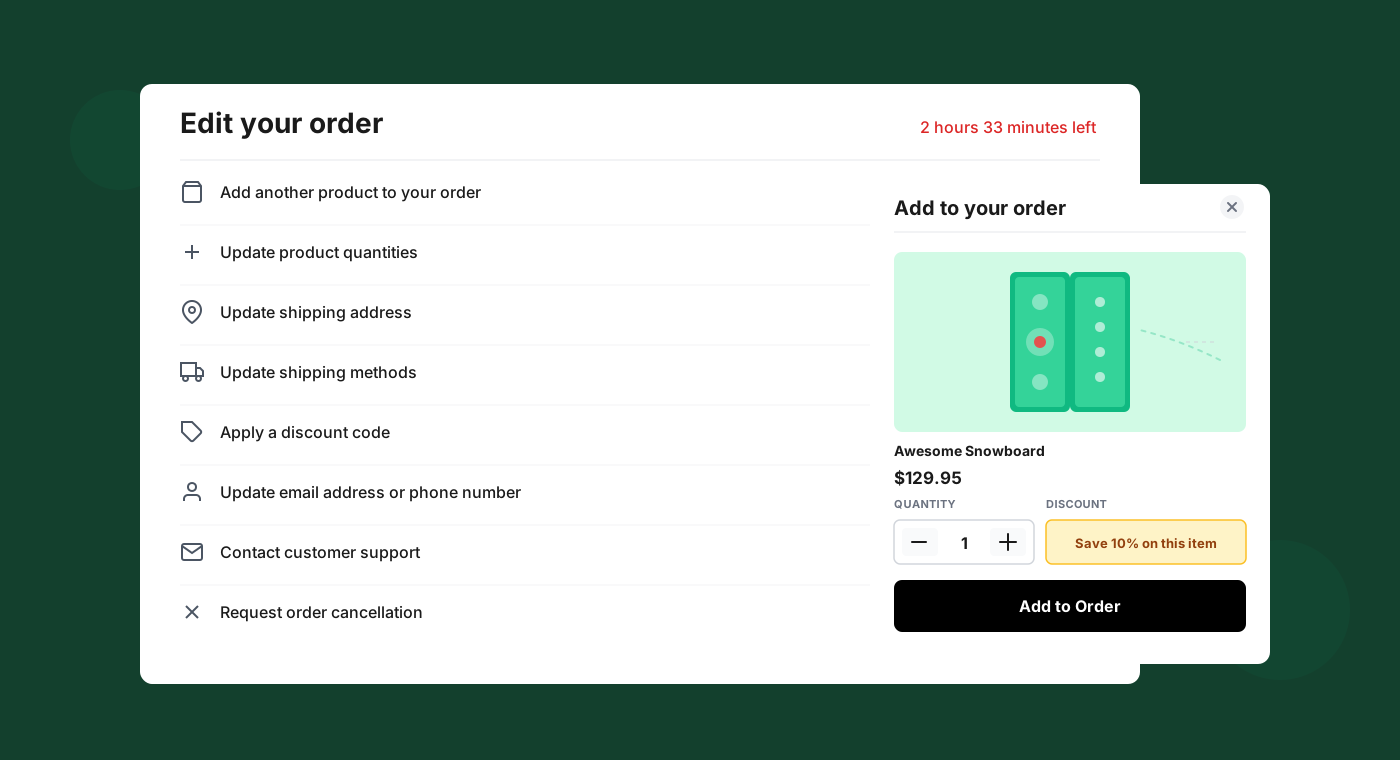
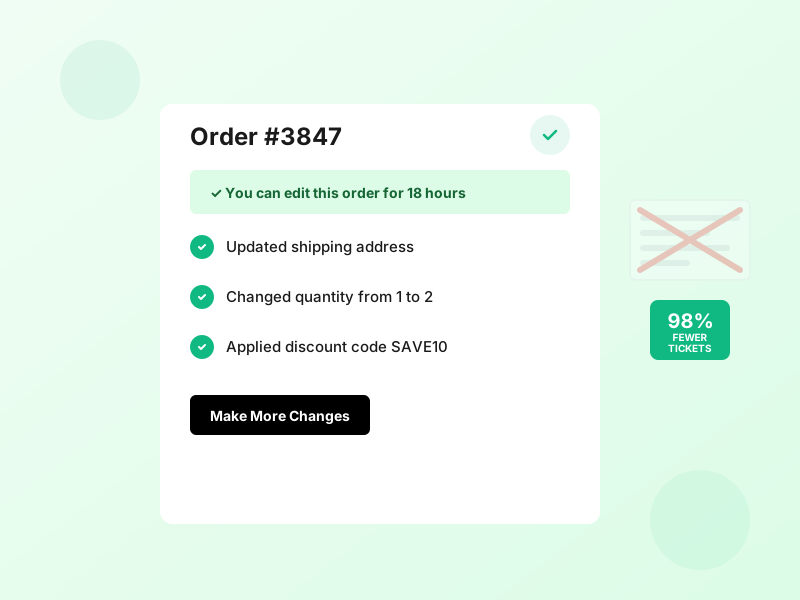
Order editing interface
Edit your order interface

Self-service order editing

Never receive a support ticket again

Customers edit their orders themselves and never contact you for simple changes. You have full control over what changes customers can make and for how long.

From address corrections to quantity adjustments, customers can fix mistakes instantly—without waiting for support. Reduce your ticket volume by up to 98% while improving customer satisfaction.

Pre and post-purchase upsells

Pre and post-purchase upsells

Make six figures in upsell revenue

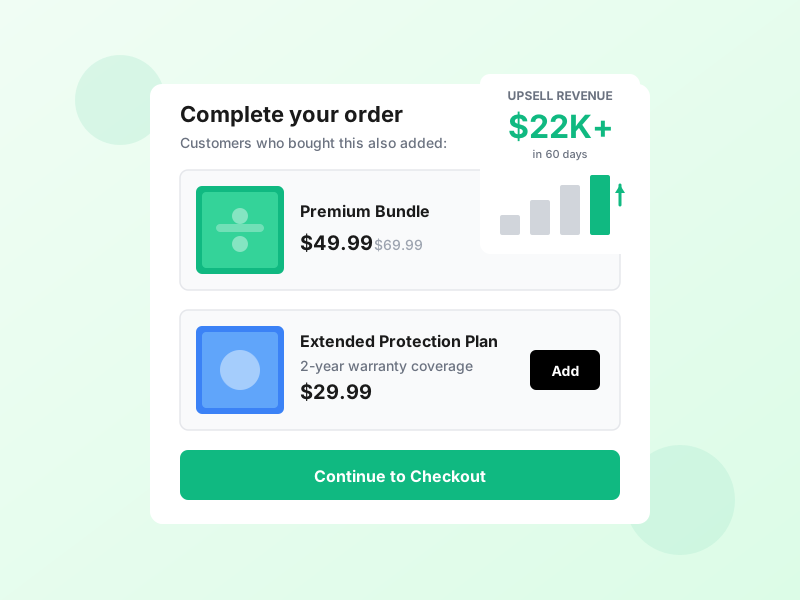
Upsell personalized product offers at checkout and post-purchase. Customers buy more products when you give them an editing window for their order.

Our merchants generate an average of $22,000+ in additional revenue within the first 60 days. Smart product recommendations based on cart contents and purchase history drive conversions.

Address correction

Address Correction & Updates

Say goodbye to delivery issues

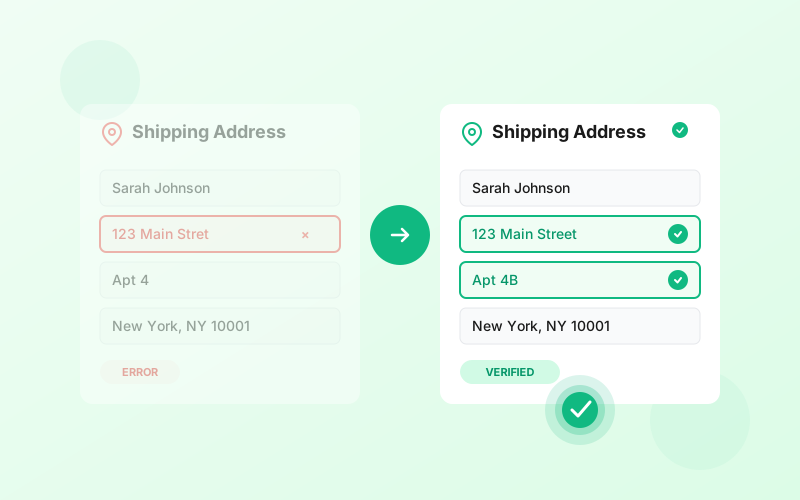
Let customers update and correct their shipping addresses before fulfillment. Typos, wrong apartment numbers, or changed delivery locations—customers can fix address mistakes themselves without contacting support.

Set flexible time windows for when address updates are allowed. Automatically prevent changes once orders are in fulfillment to avoid delivery complications. Full audit trail tracks every address modification.

Resolution modes

Automatic & Manual Resolution

You control the approval flow

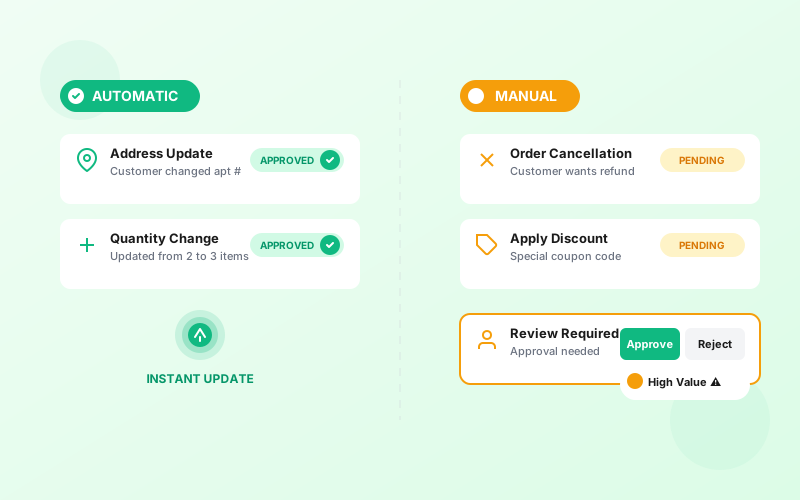
Choose between automatic and manual resolution for each type of edit. Let simple changes happen instantly while requiring approval for high-value modifications.

Automatic: Changes apply immediately based on your rules—perfect for address updates and quantity adjustments.

Manual: Requests appear in your dashboard for review—ideal for cancellations, refunds, or custom orders.

Order Editing Modules

Configure how long customers have to make changes to their orders.

Location

Update Shipping Address

Allow customers to change their shipping address.

Cart

Add Product to Order

Allow customers to add more products to their order.

Layers

Update Product Quantities

Allow customers to increase or decrease their product quantities.

Check

Apply Discount Code

Let customers apply a post-purchase discount code.

Support

Contact Support

Give customers an easy way to contact your support team.

Activity

Order Cancellations

Define the rules for your self-service order cancellation process.

Document

Download Order Receipt

Allow customers to download a customized order receipt / invoice.
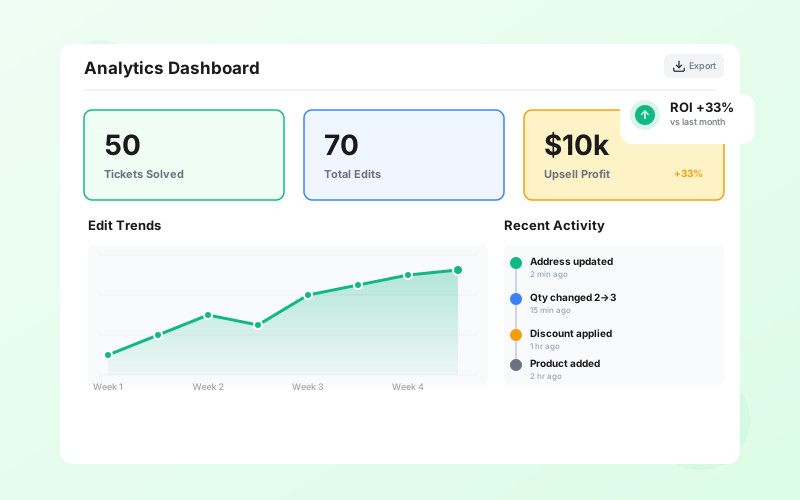
Analytics dashboard

Analytics & Insights

Track every edit and measure impact

View comprehensive analytics showing tickets prevented, revenue recovered, and customer behavior patterns. Full activity logs provide complete transparency.

Export detailed reports, monitor trends over time, and demonstrate ROI to stakeholders. Every change is logged with timestamps and complete before/after details.

Deadline flexibility

Flexible Editing Deadlines

Total control over timing windows

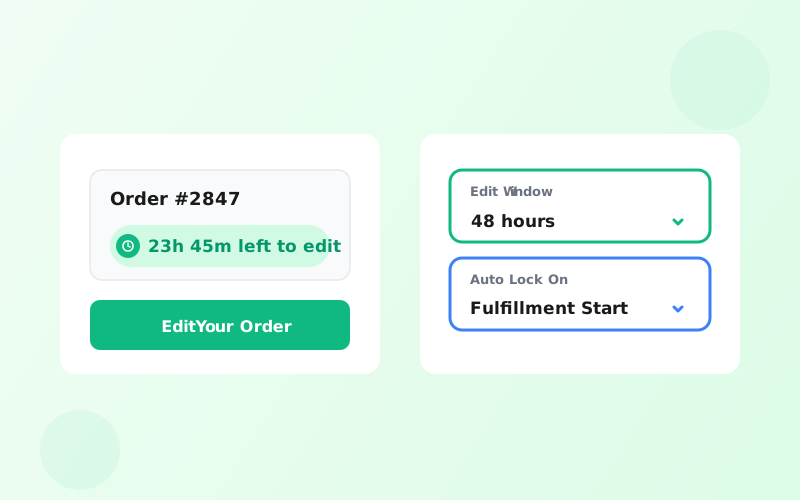
Set custom time windows for when customers can make edits to their orders. Perfect control over your fulfillment workflow.

  • Time-based cutoffs:
    Allow edits for 24 hours, 48 hours, or custom durations
  • Fulfillment status:
    Automatically disable edits once orders start processing
  • Real-time countdowns:
    Show customers exactly how long they have to make changes

Frequently Asked Questions

Everything you need to know about Order Editing for Shopify.

Can customers edit orders after fulfillment?
+
By default, no. EditsYard prevents edits once an order is marked as fulfilled in Shopify. However, you can customize this behavior in settings.
How do refunds work—original payment method or store credit?
+
You choose. EditsYard supports three refund modes:

1. Original Payment Method: Refunds go back to the customer's credit card or PayPal.
2. Store Credit: Refunds are issued as store credit, keeping revenue in your ecosystem.
3. Customer Choice: Let the customer decide which option they prefer.

You can set different rules based on order value, product type, or how long ago the order was placed.
Can we disable specific modules?
+
Yes. Every module (address updates, refunds, add items, etc.) can be enabled or disabled independently. For example, you might disable order cancellation module if you don't want to allow customers to cancel their orders.
Do you keep logs of all customers changes?
+
Yes. Every action is logged with complete details: timestamp, customer info, what changed, old vs new values, and more. You can export logs as CSV anytime.
Where does the order editing widget appear?
+
The editing interface appears on the order status page—the page customers see after placing an order. It's accessible via the link in your order confirmation emails or from customer accounts. The interface is fully branded to match your store.
Is it compatible with Shopify's new checkout extensibility?
+
Yes. EditsYard is fully compatible with Shopify Checkout Extensibility and Shopify Functions. Since we work at the order level (not checkout level), our app doesn't interfere with your checkout customizations.
What happens during the 30-day trial?
+
You get full access to all features of your chosen plan for 30 days. You can configure modules, test workflows, and see real results. If you love it, you'll be charged at the end of the trial. If not, the app simply deactivates and no charges are made.

Start Reducing Support Tickets Today

Join hundreds of Shopify merchants who are saving time and delighting customers with self-service order editing.